Home Assistant To-do Lists on Apple TV: Shopping Lists and Household Tasks with HADash
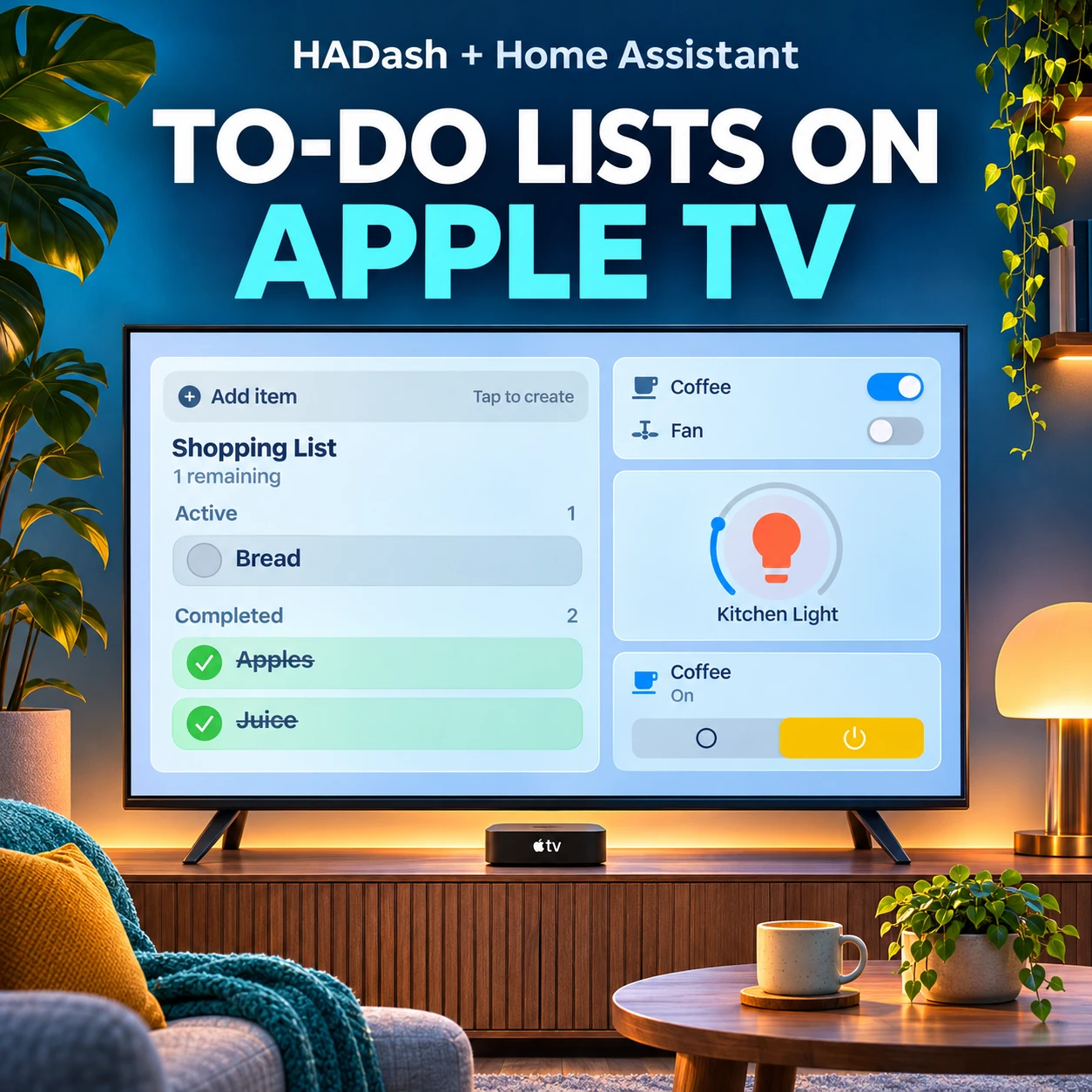
A Home Assistant shopping list can appear alongside lights, switches and other controls on your television. Add the To-do List card to a Home Assistant dashboard, then open that dashboard on Apple TV with HADash.
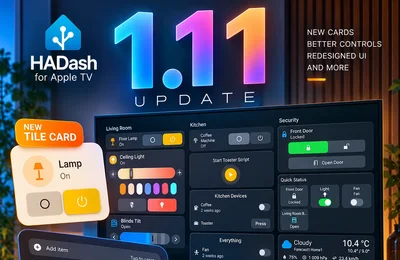
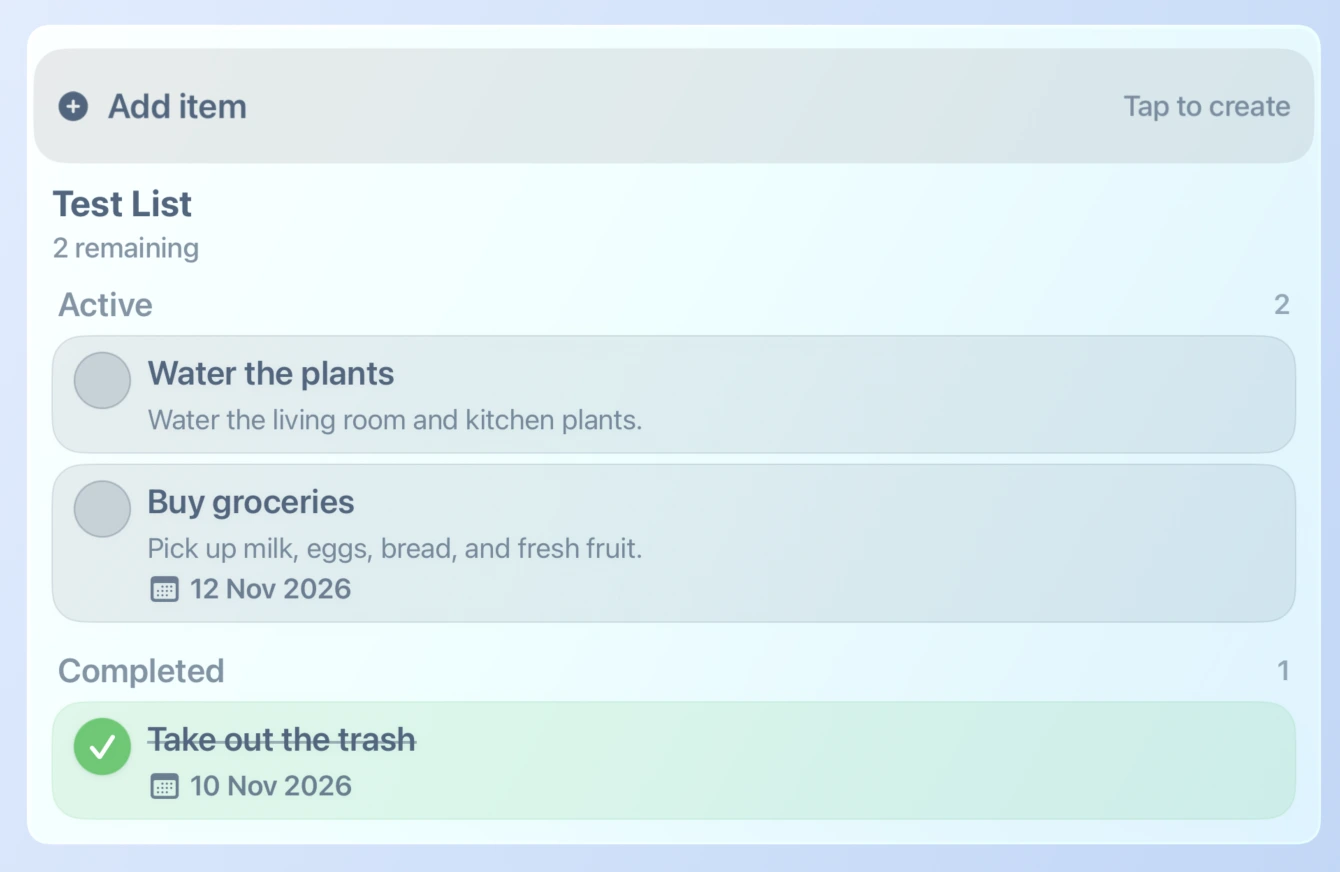
The screenshots in this guide show the same kitchen dashboard in Home Assistant and HADash, as well as an example task list with descriptions and dates. HADash 1.11 introduced support for the To-do List card. HADash is an independent Apple TV app, not an official Home Assistant application.
What you need
You need a running Home Assistant instance, an accessible to-do list entity, a dashboard you can edit, and Apple TV with HADash 1.11 or later connected to your server. If you have not connected the app yet, follow our HADash server connection guide.
Home Assistant holds the list and dashboard configuration. The To-do List card presents a selected list on the dashboard; HADash displays supported dashboard content on Apple TV. The controls available to a particular list depend on its integration and the app version.
Step 1: Choose a Home Assistant to-do list
Open Home Assistant and check the To-do list page in the sidebar. For a shopping list, you can use the Shopping list integration. If it is not available, open Settings, choose Devices & services, then Add integration and search for Shopping list. Follow the setup instructions for your installation.
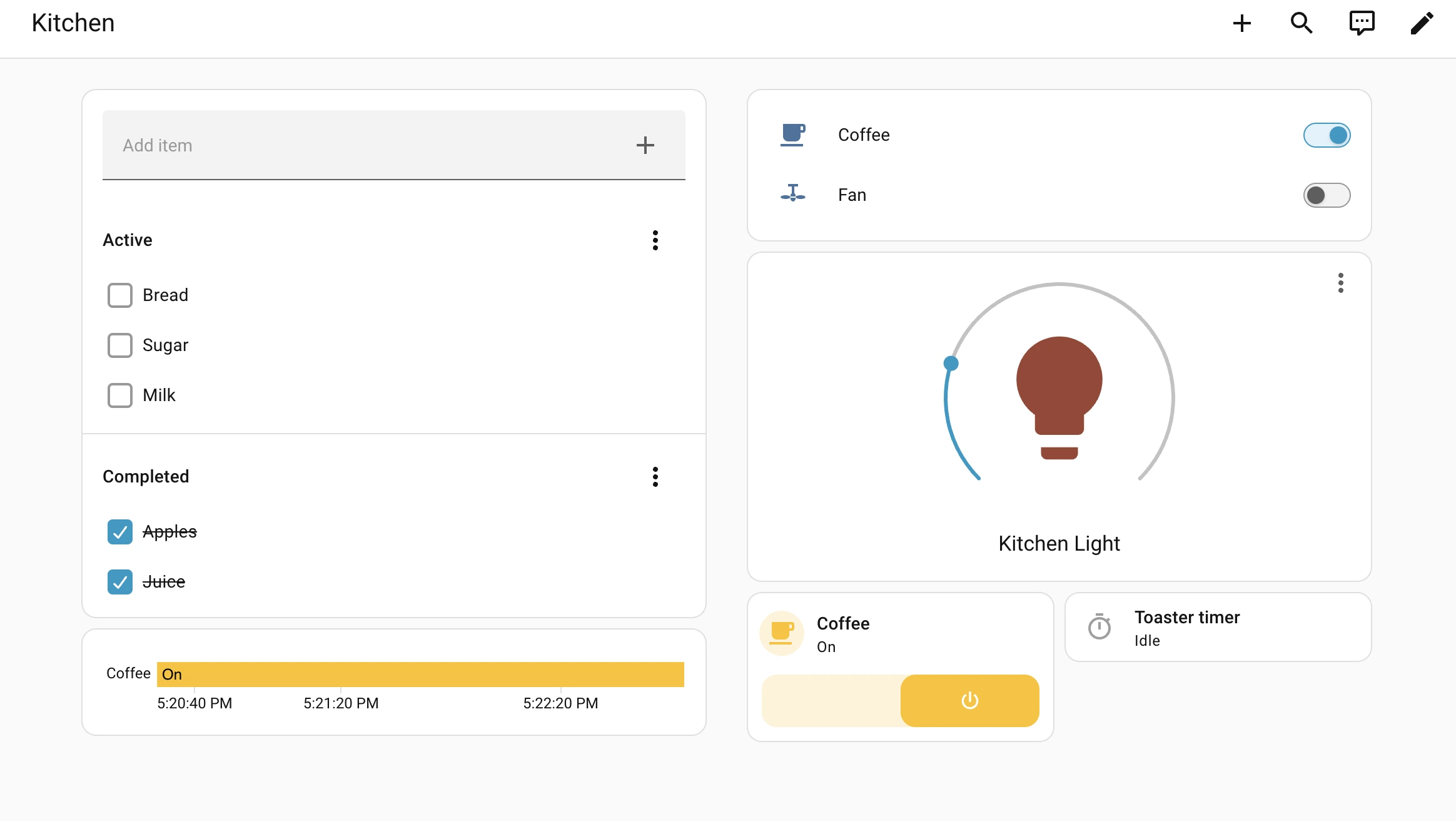
For a separate list of household jobs, Home Assistant also offers Local to-do. You can use an existing compatible to-do list integration instead. Each list appears as a to-do entity. The Home Assistant to-do list documentation explains how lists and integrations relate.
Step 2: Add the To-do List card
Open the Home Assistant dashboard where the list should appear and select Edit dashboard. Choose Add card, select To-do list, and select your list in the Entity field. You can give the card a title and preview it before saving.
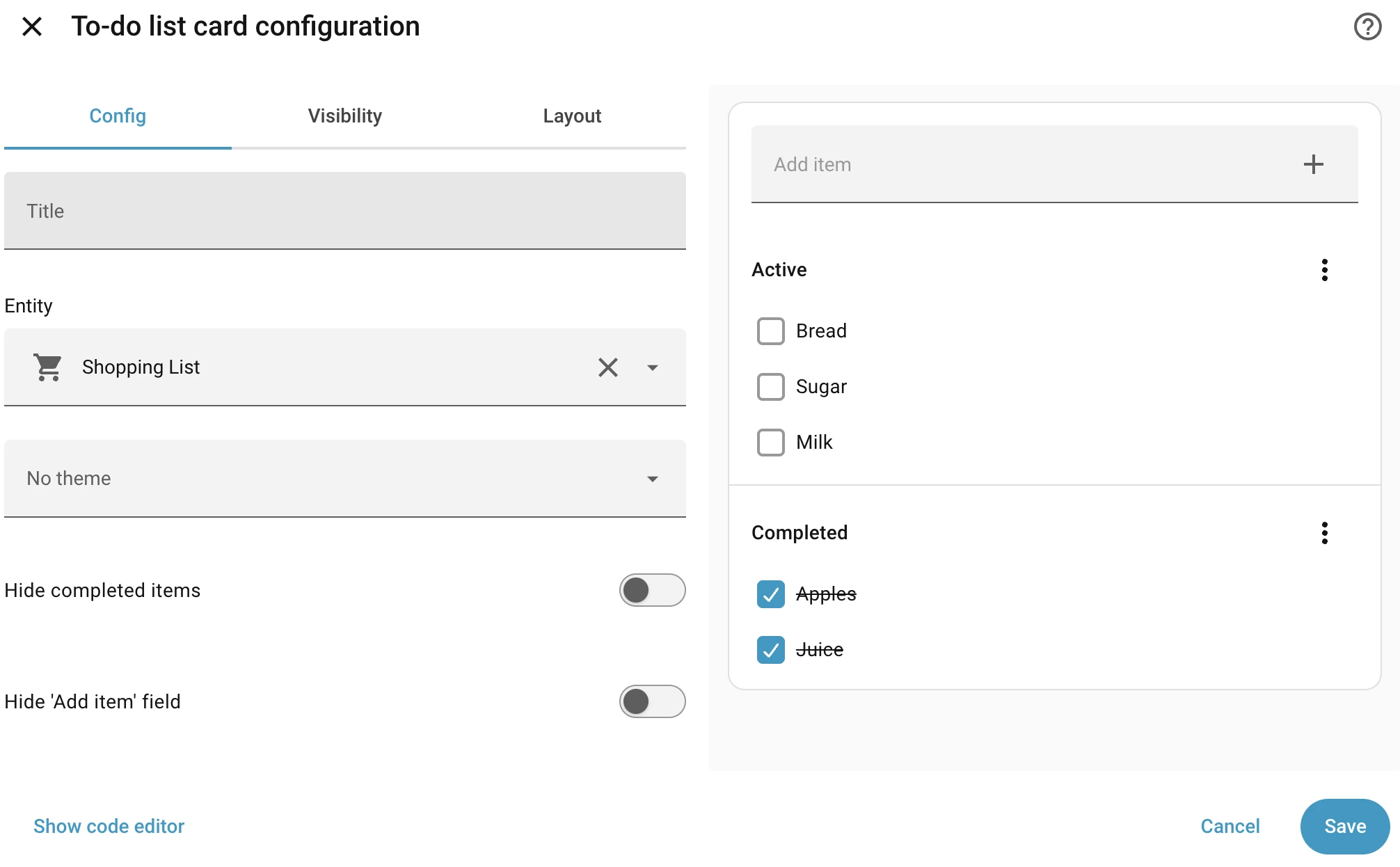
The example configuration selects Shopping List and provides options to hide completed items or the Add item field. These options belong to the Home Assistant card editor; check how a particular setting appears in HADash before relying on it on the TV.
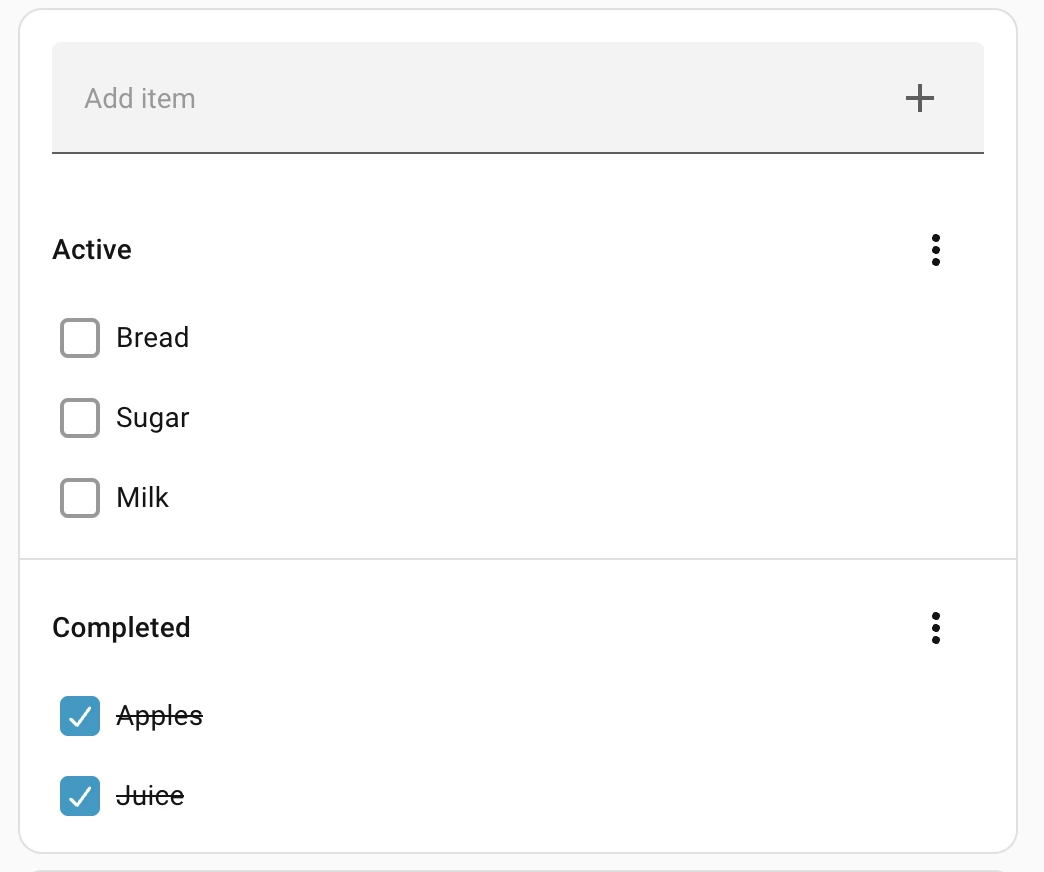
If the list is missing from the entity selector, check that its integration is configured and that the list is available in Home Assistant. The official card documentation covers the card and its configuration. Home Assistant recommends the To-do List card in place of the older Shopping List card.
Step 3: Open the dashboard on Apple TV
Launch HADash, connect to your Home Assistant server if needed, and open the dashboard containing the card. In our example, the Shopping List appears beside the kitchen light, coffee switch and other controls.
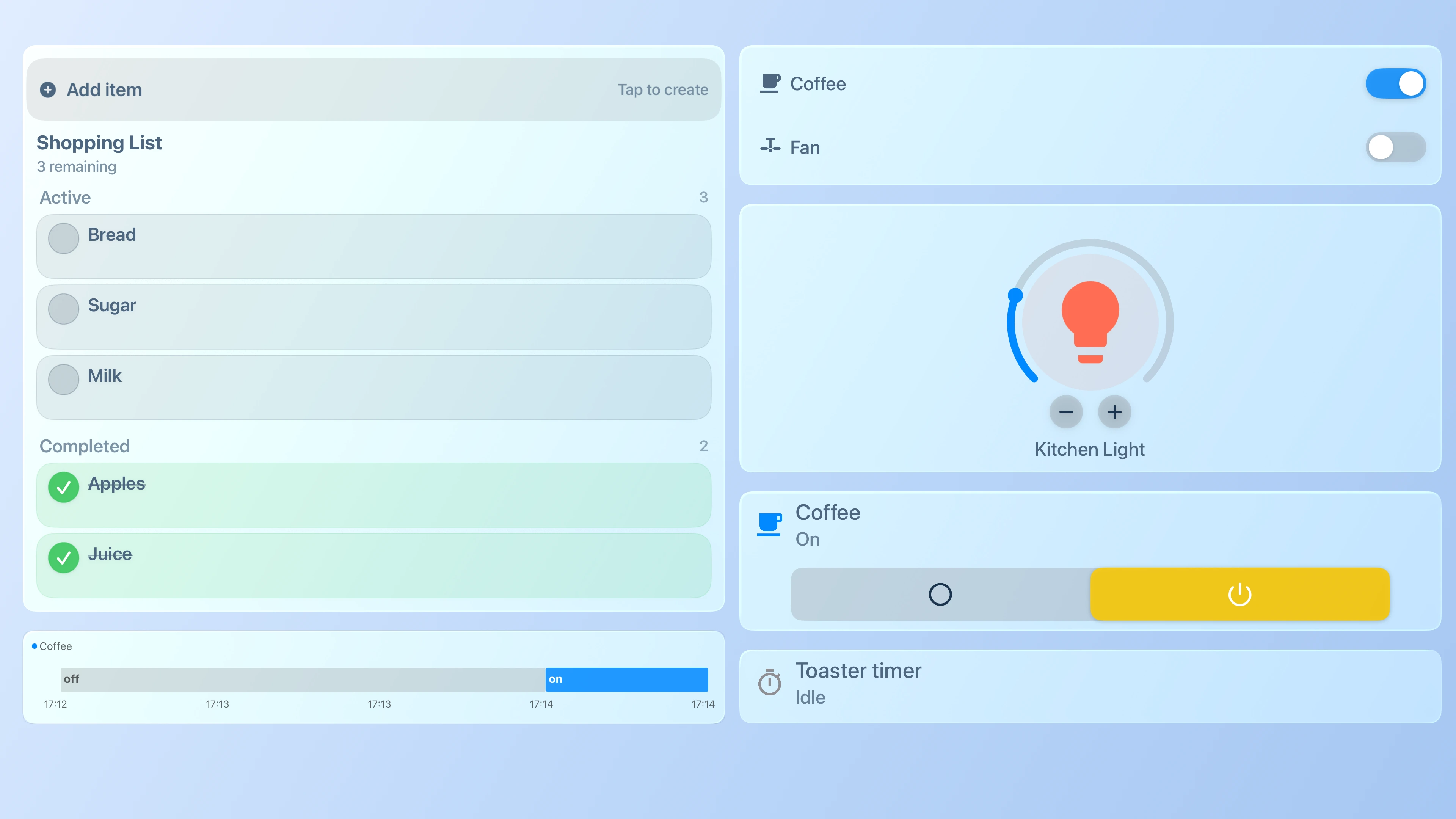
The list groups active and completed items separately and displays the number remaining. Check the layout from your normal viewing position and use the Apple TV remote to navigate the dashboard.
Adding and editing list items
The Home Assistant card has an Add item field and lets you manage items in its own interface. In the supplied HADash screenshots, the list also shows an Add item control. An Edit item dialog displays a name field and Save, Delete and Cancel buttons.
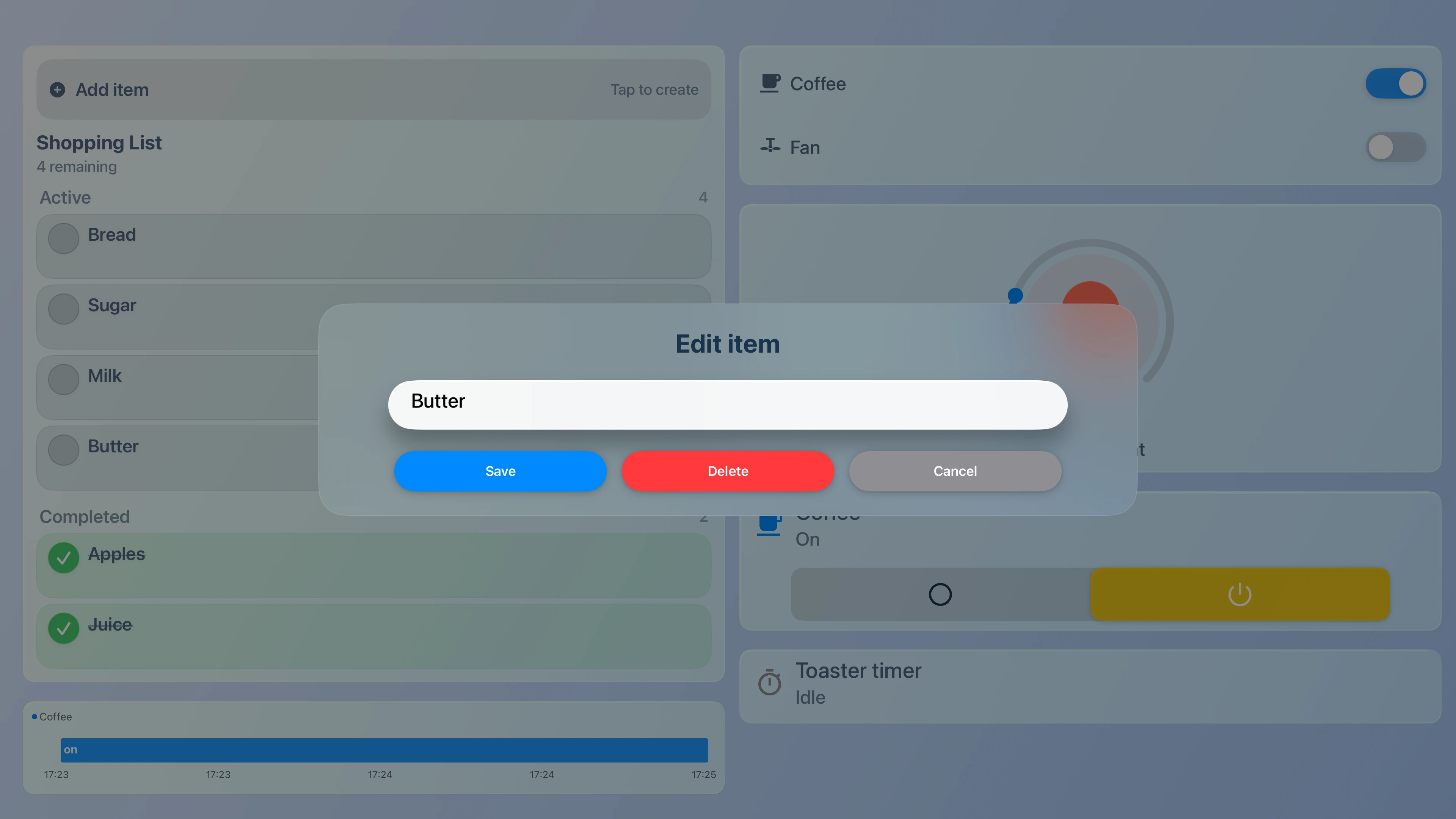
The available interface can vary with the list, integration and HADash version. Confirm the actions you need on your own setup: add a test item, change its status or name, and check the result in Home Assistant. The screenshots show the controls; they do not establish every action or synchronization behaviour for every integration.
Ideas for a shared household dashboard
Shopping: Keep groceries such as bread, milk and fruit in a dedicated list. A short list is easier to scan from across the room; completed items can remain visible when useful.
Household tasks: A separate list can show jobs such as watering plants or taking out the trash. The example task card displays a description under each task and a date where one is present.
Before leaving: Use a list for items to check before a trip, such as keys, medication and chargers. Create and maintain the underlying list in Home Assistant.
Make the list readable from the sofa
Use short item names and place the list where it can be reached without navigating through unrelated cards. Keep routine actions close together, and avoid making one view so dense that names become difficult to read.
Check the layout using your remote from your usual seat. For more ideas, see our guide to remote-friendly Home Assistant dashboards and Tile Cards on Apple TV.
Troubleshooting
The list is missing in Home Assistant: Check that the list integration is configured and its entity is available. If it does not appear when selecting the entity, finish setting up the integration first.
The card is missing in HADash: Check the app version, the selected server and the dashboard view. Confirm that the card appears in Home Assistant and that HADash can connect to the server.
An action is unavailable: Check what the list integration supports and test the action in Home Assistant. Features available in the Home Assistant interface are not automatically guaranteed in HADash.
The list looks different on the TV: Review the card and dashboard settings in Home Assistant, then check how they render in the current HADash version. Use shorter labels or a less crowded view if text is difficult to read.
Questions about To-do Lists on Apple TV
Can I display a Home Assistant shopping list on Apple TV?
Yes. Add the list to a Home Assistant dashboard using the To-do List card and open the supported dashboard in HADash.
Which version of HADash supports the card?
Support was introduced in HADash 1.11. See the HADash 1.11 release notes for the update.
Can I use lists from other services?
Home Assistant supports to-do list integrations from different services. Configure the service in Home Assistant first and check the specific list and actions in HADash; compatibility with every service has not been established here.
Where do I edit the dashboard?
Edit the dashboard and card in Home Assistant. HADash connects to your Home Assistant instance and displays supported cards on Apple TV.
To get started, choose one list, add its card to an existing dashboard and open it in HADash. Get HADash for Apple TV or visit the HADash GitHub repository for project information.