Big-screen visibility
See lights, sensors, weather, energy data, climate controls, and other important information from across the room.
Home Assistant dashboard for Apple TV
Turn your Apple TV into a clean and readable Home Assistant dashboard. View lights, sensors, weather, gauges, entities, clocks, statistics, and more on the big screen.
Built for Home Assistant users who want a dedicated smart home dashboard on Apple TV.

HADash connects to your Home Assistant server and displays your dashboard on Apple TV. It gives you a clear, always-visible view of your smart home without opening a phone, tablet, or browser.
See lights, sensors, weather, energy data, climate controls, and other important information from across the room.
Make your Home Assistant dashboard usable by everyone in the house without requiring the mobile app.
HADash is designed to present Home Assistant data clearly on Apple TV — not as a squeezed browser page.
Use your TV as a practical information and control screen for your home — lights, climate, cameras, and more.
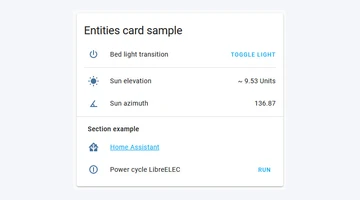
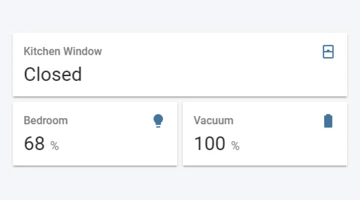
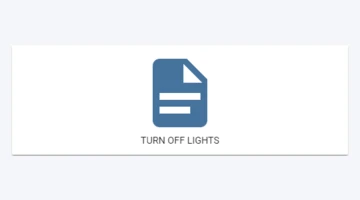
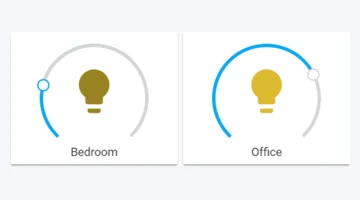
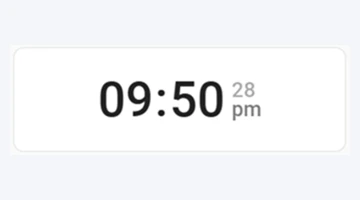
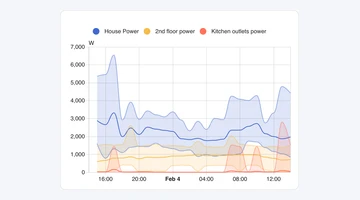
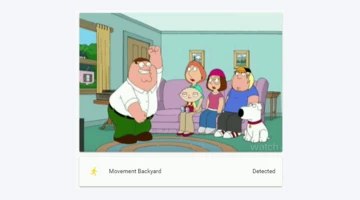
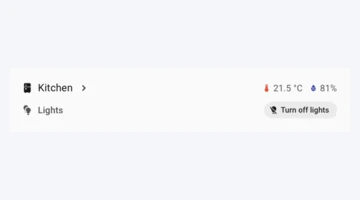
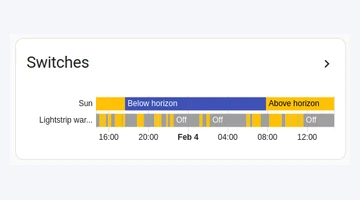
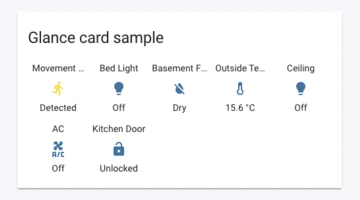
HADash supports a growing range of common Home Assistant dashboard cards.
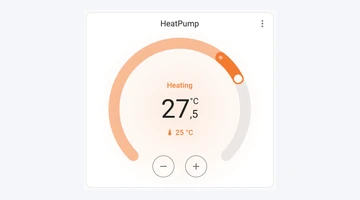
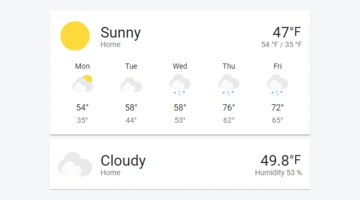
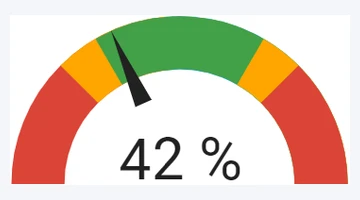
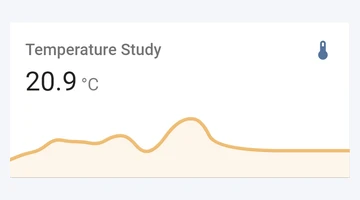
Open HADash on your Apple TV from the App Store.
Enter your Home Assistant server address and API key.
HADash loads your dashboard and displays supported cards on the TV screen.
HADash is built for a TV-first experience with clear cards, readable information, and a layout that works from across the room.

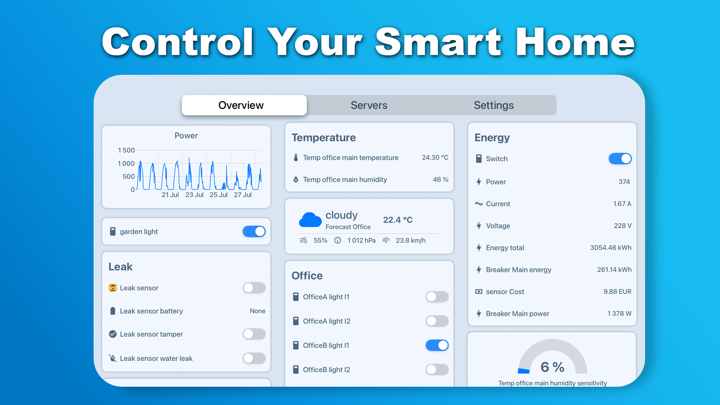
HADash is made for people who already use Home Assistant and want a dedicated dashboard experience on Apple TV.
It does not replace Home Assistant. It brings your existing smart home setup to a larger and more visible screen.
View GitHub →No. HADash is an independent Apple TV client that connects to your own Home Assistant instance via the official API and long-lived access tokens.
Yes. HADash is built specifically for Apple TV (tvOS) and is controlled with the Siri Remote.
Yes. You need a running Home Assistant server that HADash can reach on your network (or via HTTPS).
Yes for supported cards — for example lights (toggle), buttons, thermostats, and other interactive entities exposed on your dashboard.
No. Configure dashboards in Home Assistant as usual; HADash displays and interacts with them on the TV.
Create a long-lived access token in your HA profile, then add the server URL and token in HADash under Servers. See the setup guide.
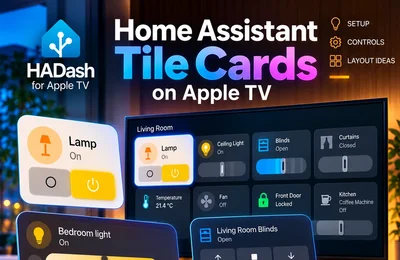
Home Assistant Tile Cards provide a compact way to see an entity’s name, state, and available actions. With HADash 1.11 or later, you can add supported Tile Cards to a Home Assistant dashboard and display that dashboard on Apple TV.
Read article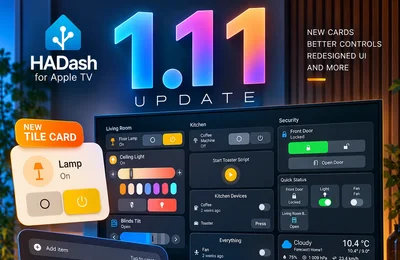
HADash 1.11 adds support for Home Assistant Tile and To-do List cards, expands existing card interactions, and refreshes the interface across dashboards, device controls, server management, settings, and the launch flow. The update also includes improvements to dashboard processing, cameras, and action execution, plus in-app bug reporting.
Read article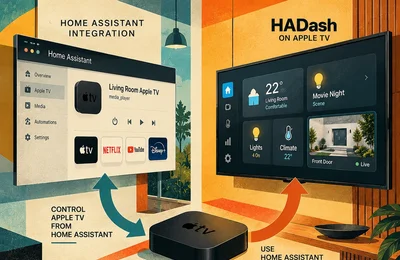
Suppose you add the official Apple TV integration to Home Assistant, complete the connection, and expect your dashboard to appear on the television. Instead, you find Apple TV controls inside Home Assistant.
Read article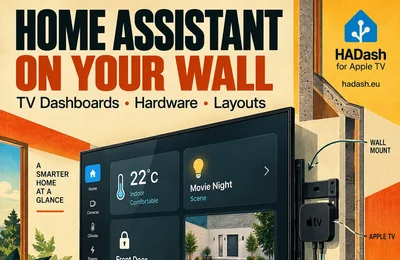
A wall-mounted TV can display Home Assistant through a connected Apple TV, a browser-running computer or compatible casting hardware. The right setup depends on whether the screen is a dedicated household display or an existing television used when needed.
Read article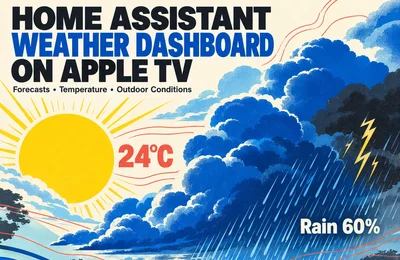
A weather dashboard on the living-room TV should help everyone answer three questions: What is it like outside? What might change in the next few hours? Is there anything worth paying attention to before leaving home?
Read article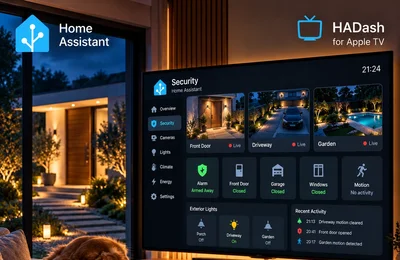
A Home Assistant security dashboard on Apple TV should help you check the house without searching through device lists. From the couch, you should be able to see the alarm state, spot an open entry point, notice relevant motion and inspect the camera covering that area.
Read article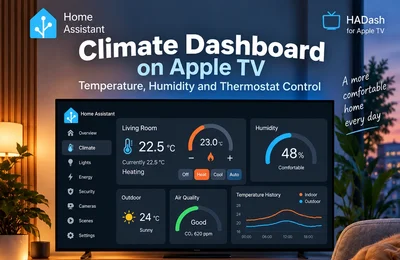
A climate dashboard on the living-room TV should let everyone check the room temperature, see what the heating or cooling system is doing and reach a few everyday controls. Detailed schedules and equipment configuration can stay on a phone or computer.
Read article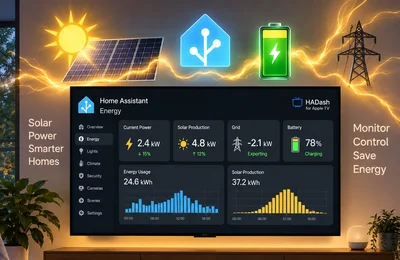
A Home Assistant energy dashboard on Apple TV should make three things easy to check from the couch: how much power the home is using, where that power is coming from, and how much charge remains in the battery.
Read article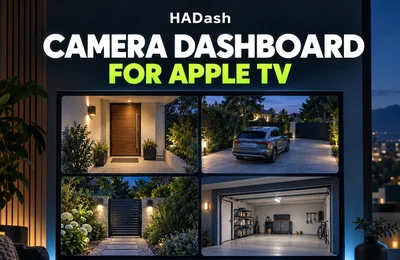
A good Home Assistant camera dashboard for Apple TV should answer one question quickly: what is happening outside or around the home right now?
Read article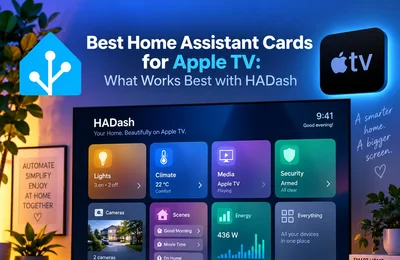
The best Home Assistant cards for Apple TV are the ones that remain readable from across the room and require simple directional navigation. With HADash, the strongest choices are the Entities, Button, Light, Thermostat, Weather, Gauge, Sensor, History Graph, Statistics Graph and Picture Entity cards.
Read article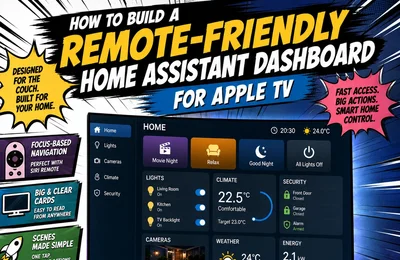
A Home Assistant dashboard that works perfectly on a phone or tablet is not automatically a good Apple TV dashboard.
Read article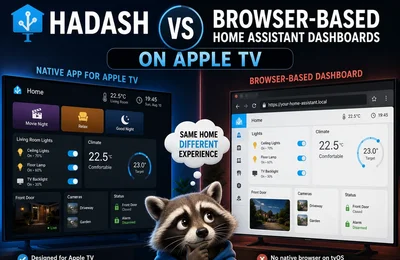
Running Home Assistant on a television sounds simple: open the dashboard in a browser and control it from the couch.
Read article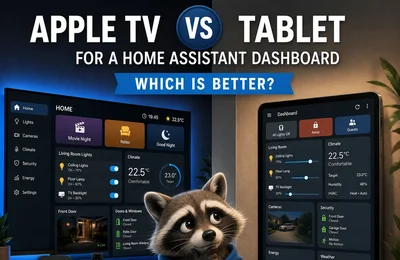
If you want a dedicated Home Assistant dashboard at home, two of the most practical options are a television connected to Apple TV or a wall-mounted tablet.
Read article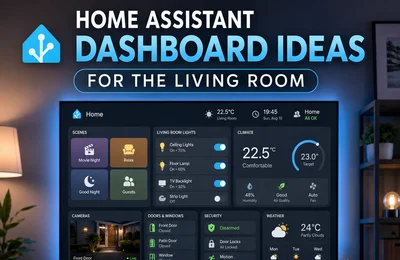
A living-room Home Assistant dashboard should not try to show everything in your smart home.
Read article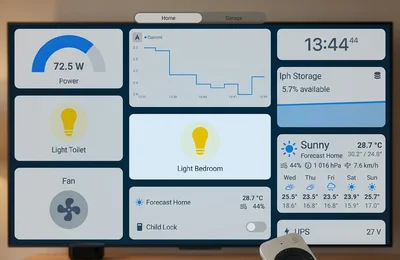
Apple TV can serve as a shared smart home control point for the living room. With a television-friendly Home Assistant dashboard, household members can switch lights on or off, activate scenes such as Movie Night or Good Night, and launch multi-step scripts without opening a phone.
Read article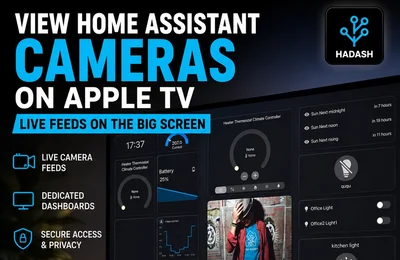
Viewing security cameras on a television is one of the most practical uses for a Home Assistant dashboard. A large screen makes it easier to check a front door, driveway, garden, garage, nursery, or several camera feeds without opening a phone or computer.
Read article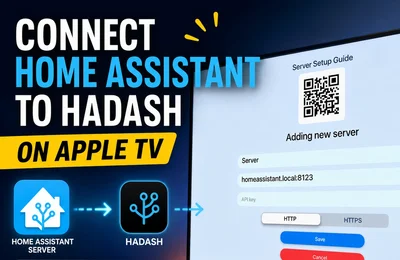
HADash turns Apple TV into a large-screen interface for Home Assistant. It connects directly to an existing Home Assistant instance and displays dashboards that have already been created on the server, so users do not need to rebuild their smart home configuration inside a separate application.
Read article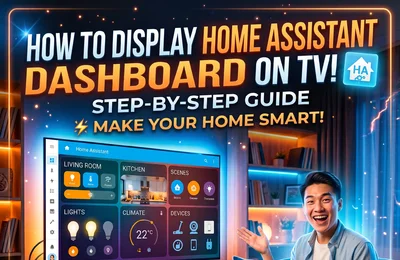
A Home Assistant dashboard can turn a television into a large smart home interface for cameras, lights, climate controls, sensors, energy data, security devices, scenes, and other connected systems.
Read article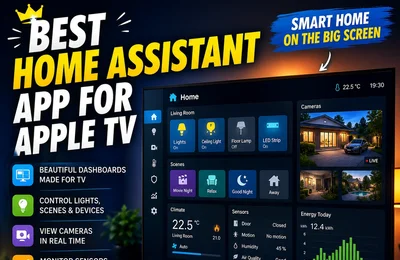
Apple TV can become more than a streaming device. With the right application, it can also provide access to lights, cameras, sensors, climate controls, scenes, graphs, and other devices connected to Home Assistant.
Read article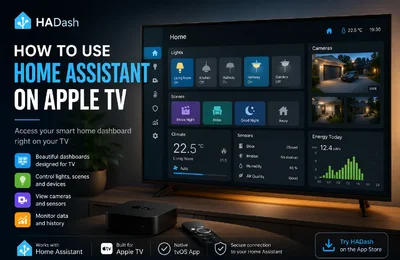
Home Assistant can bring lights, cameras, climate controls, sensors, scenes, and other smart home devices into a single customizable dashboard. But when you want to access that dashboard from the largest screen in your home, the process is less obvious.
Read article